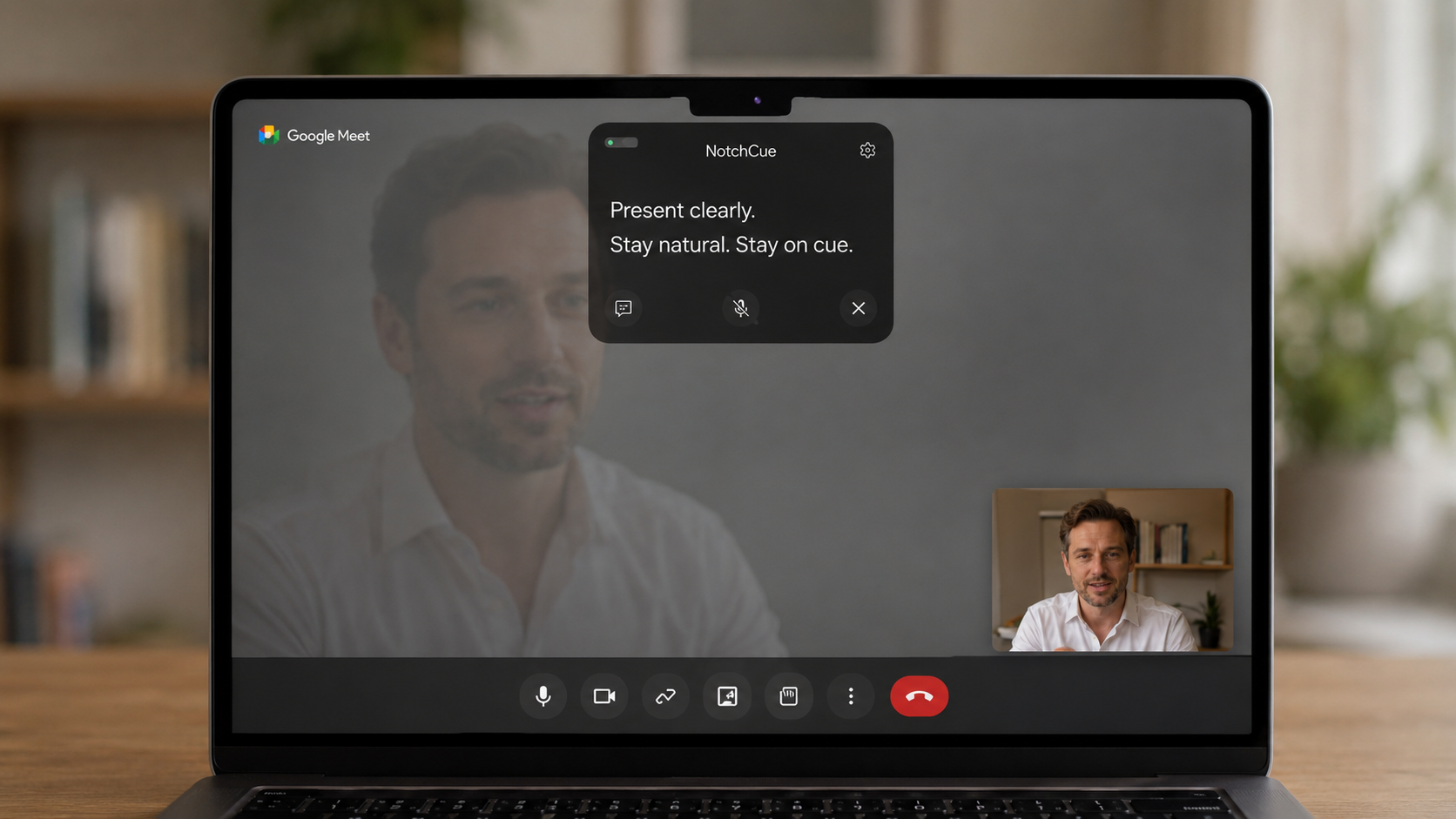
Step 1
Write your talking points
Paste short bullets, an intro, questions, or offer fragments. Spoken-language text works best — skip long paragraphs.
NotchCue puts your talking points around the MacBook camera notch. Your delivery stays natural — eye contact stays intact.
Runs locally on your Mac. No account, no uploads, no browser required.
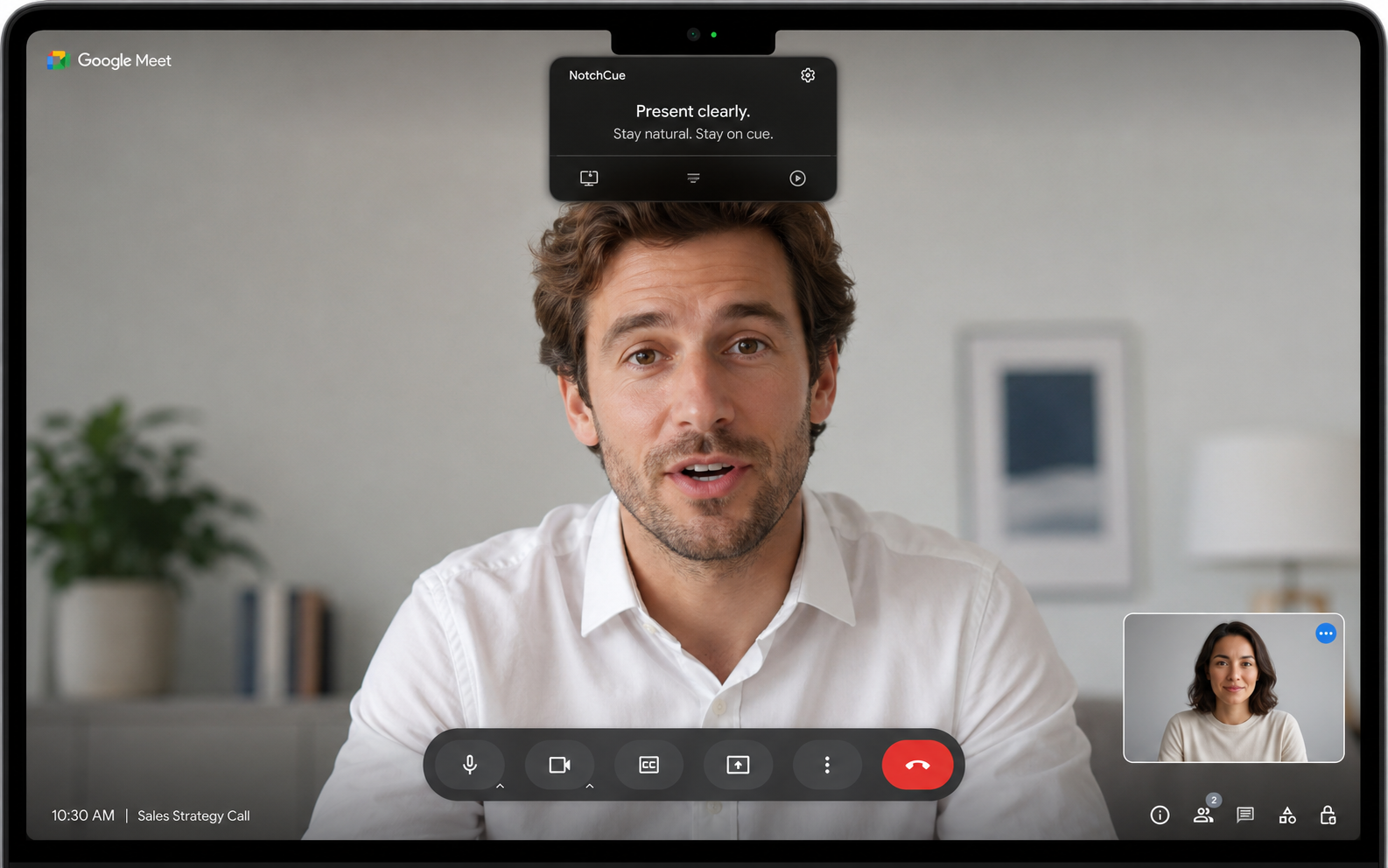
The problem
Whether it's a second monitor, a printed script, or a floating notes app — the moment your eyes drift from the camera, the audience feels it. Presence drops. Delivery sounds rehearsed.
The fix
NotchCue places a minimal scrolling overlay directly above the camera — in the MacBook notch area. You read toward the lens, not away from it. Structure stays, eye contact stays.
How it works
Paste short bullets, an intro, questions, or offer fragments. Spoken-language text works best — skip long paragraphs.
The prompter sits in the notch, so you don't have to look to the corner of the screen. Adjust size, position and speed to your MacBook.
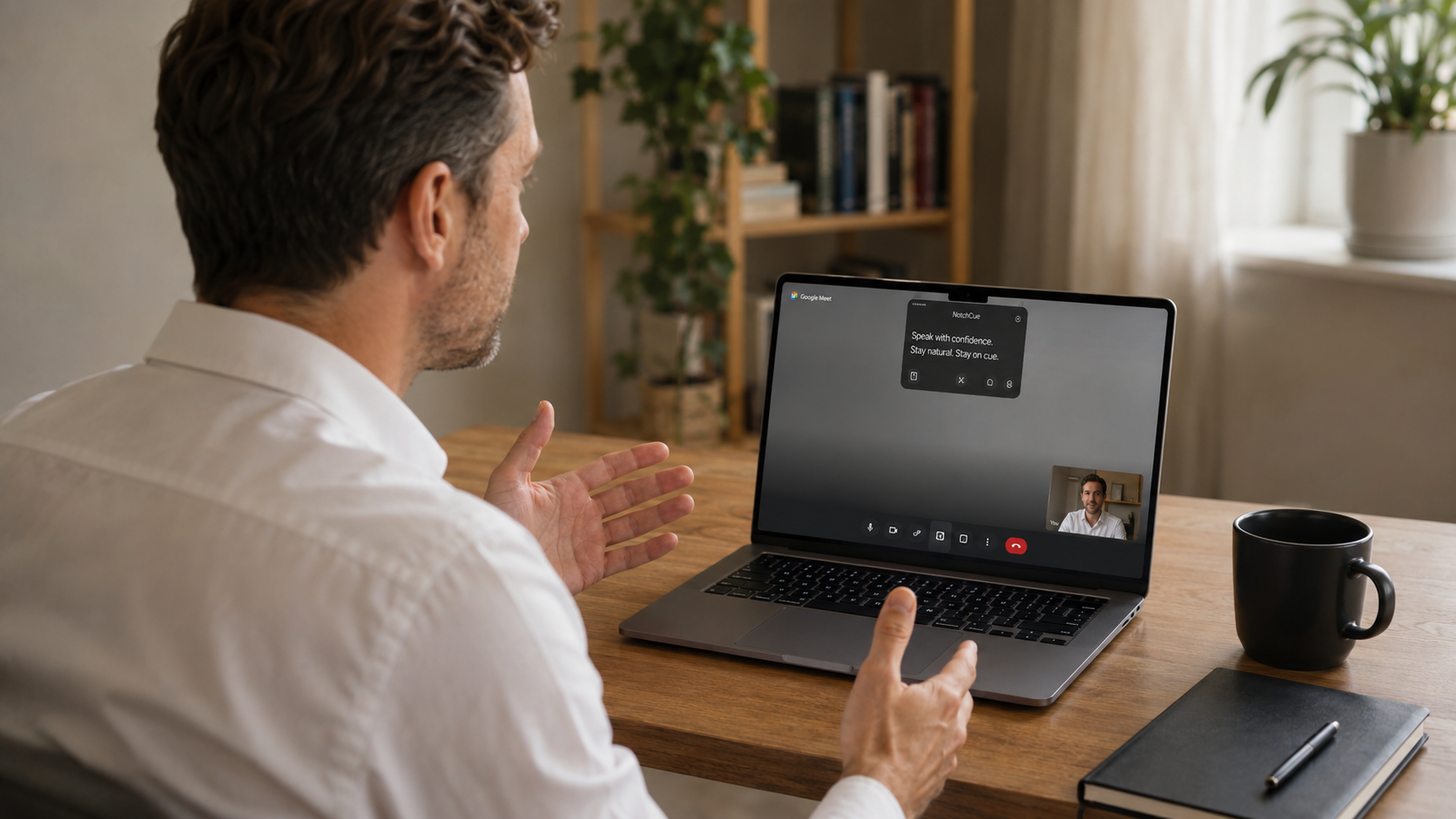
You have structure close by but still sound like a person. Easy to recover after a question, a pause, or a topic change.
On calls
NotchCue is designed for real calls: discreet, fast to launch, readable enough to catch the next thought without scanning a full document.
What it does
The prompter stays hidden until you need it. Show it with a keyboard shortcut right before your call, demo, or recording.
Text appears in the notch area — where your eyes already point. Less visible drift, more natural delivery.
Set scroll speed to match your voice. Short lines let you grab the next thought at a glance without losing your place.
Optionally, the text moves while you speak and pauses when you stop. Useful when the conversation doesn't follow the script.
Scripts, answers, and talking points stay on your Mac. No account required, no uploads before every call.
Change text size, panel width, and position to fit your screen, your eyesight, and your speaking style.
Built by
Wojciech Łuszczyński
Start with a short note: intro, three bullets, one close. After a few minutes you'll see if it helps you hold the camera and finish thoughts cleanly.